Guides
What Is a Spacebar Clicker and How Does It Work
A plain English look at what the tool measures, why CPS matters, and how to get a fair reading.
Use the free Spacebar Clicker to measure your clicks per second, race a countdown timer, and beat your own high score. Pick a mode, hammer the spacebar, and watch your CPS climb, no signup required.
Choose a timer, then press the spacebar or tap the key as fast as you can. Your clicks per second are counted live in your browser.
Space to click Tap the key on mobile Timer starts on your first press
Three small steps stand between you and a clicks per second score you can actually chase.
Choose a 5, 10, 30, or 60 second run, or switch to free mode and click for as long as you like. Shorter tests reward raw burst speed while longer ones reward stamina.
The timer starts on your first press, so there is no wasted reaction time. Hit the spacebar on a keyboard or tap the large on screen key on a phone or tablet.
When the timer ends you get your clicks per second, a speed rating, and a saved entry in your local score board. Reset and try again to push for a new personal best.
Nine reasons gamers, typists, and record chasers keep this Spacebar Clicker open in a tab.
Test raw speed over 5 seconds, build stamina over 60, or drop into free mode and click with no clock at all. Each mode saves its own score.
Your clicks per second update in real time as you press, so you can feel exactly when your rhythm speeds up or starts to slow down.
Every press is counted precisely, from the first tap to the final one, giving you a clean total alongside your speed for each run.
Finish a run and get a clear rank from warming up to blazing fast, so you always know where your clicking speed sits and how far you can push.
Your best runs are ranked and kept on your own device, so your personal high scores are waiting for you the next time you visit.
The whole tool is one lightweight page with no plugins or downloads, so it loads on most school and office networks that allow standard websites.
Keyboard, laptop, phone, or tablet, Spacebar Clicker is fully responsive with a large tappable key that feels right on every screen.
Every press is measured in your browser. Your scores and history stay on your device and are never sent to a server or shared with anyone.
Not happy with a run? Reset and go again in a second. There is no limit and no cost, so keep clicking until you land a score you are proud of.
Spacebar Clicker measures the presses it receives from your keyboard or touchscreen and works out your clicks per second on your device. Results depend on your hardware and browser, so treat them as a personal benchmark for practice and friendly competition rather than an official ranking. Please do not use auto clickers or macros if you want a score that reflects your real speed.
Warm up your fingers before a session and train the fast, even spacebar taps that many platformers and rhythm games rely on.
Chase a higher CPS, compare runs with friends, and see whether short bursts or long stamina tests suit your style best.
Measure how quickly your hands can repeat a key and use the timed modes as a quick, playful break between tasks.
Test a new switch or board by feeling how it performs under a rapid burst of spacebar presses in a controlled run.
Run a quick on screen challenge, share your score, and invite your audience to try to beat your best clicking speed.
No goal needed. Open the page, hit free mode, and see how fast your spacebar can go whenever you want a quick distraction.
Clicking techniques, CPS science, gear picks, and practical tips for a faster, healthier spacebar.
A plain English look at what the tool measures, why CPS matters, and how to get a fair reading.
Practical drills, posture tips, and pacing tricks to push your clicks per second higher over time.
From two finger taps to wrist control, here are the methods that raise speed without the myths.
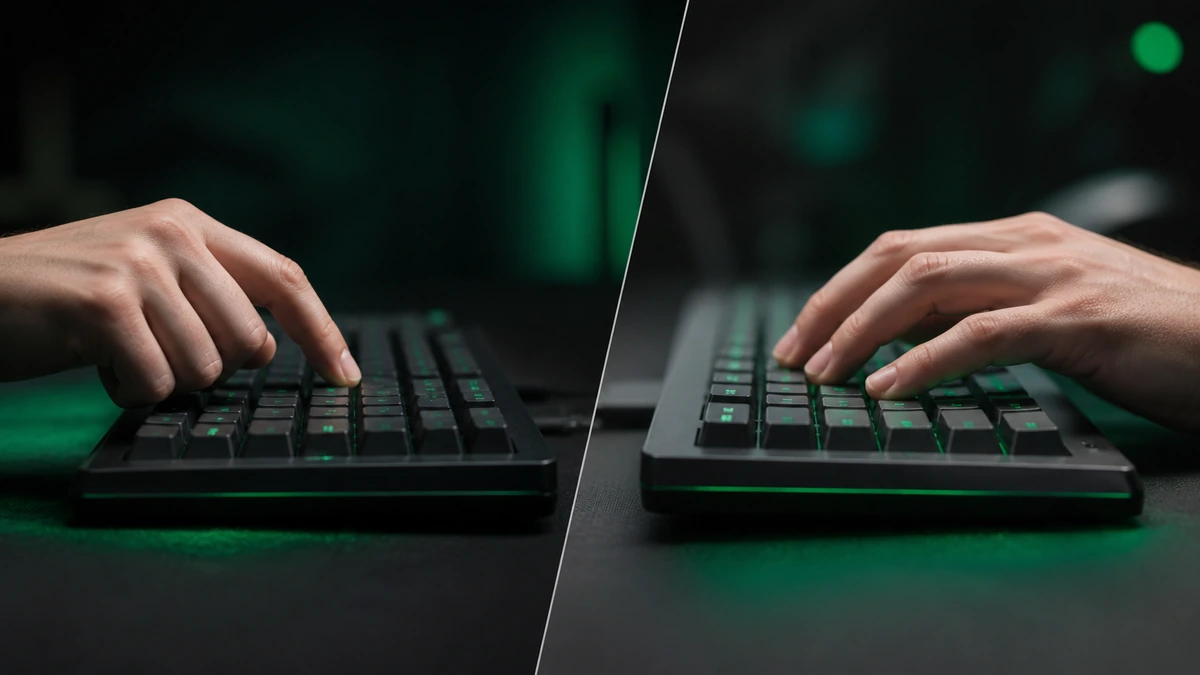
How the two fastest clicking styles work, where each shines, and how they map to the spacebar.
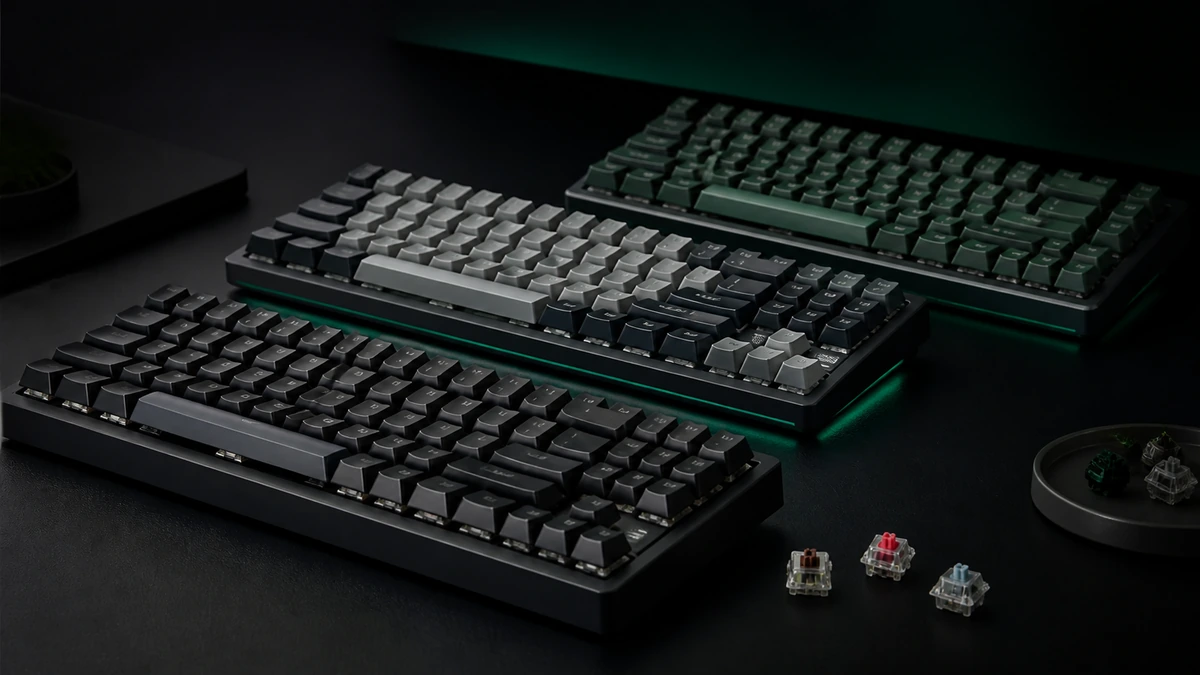
What to look for in switches, stabilizers, and layout when clicking speed is what you care about.

The eye watering CPS numbers people claim, how they are measured, and what counts as legitimate.

Spacebar Clicker listens for each spacebar press or screen tap and records the exact moment it happens. When your run ends, it divides your total presses by the length of the timer to give a clean clicks per second figure. You can learn more about who builds this tool and why.
The timer only starts on your first press, so slow reaction time never drags your score down. Auto repeat from holding the key is ignored, which means a held spacebar cannot inflate your count, and only real, separate presses are added.
Everything happens locally in your browser. Nothing you do is uploaded, and your saved scores live only on your own device. The standards for the guides we publish are set out in our editorial policy.
Gamers, typists, and record chasers use Spacebar Clicker to warm up and compete.
The questions people ask most before they start pressing with Spacebar Clicker.
A Spacebar Clicker is a browser tool that counts how many times you press the spacebar and works out your clicks per second, so you can measure and improve your keyboard speed in a short timed test.
Yes, completely free. There is no signup, no login, and no payment. Open the page, choose a timer, and start pressing the spacebar as many times as you like.
CPS stands for clicks per second. It is your total presses divided by the length of the run. A CPS of 6 to 8 is fast, and anything above 10 is exceptional for a single key.
Usually, yes. The tool is a single lightweight web page with no plugins or downloads, so it runs on most school and office networks that allow standard websites.
Completely. Every press is measured in your browser, and your best runs are stored only on your own device. Nothing is ever uploaded or shared with a server.
Yes. On a phone or tablet you tap the large on screen key instead of pressing a physical spacebar, and the counter, timer, and score board all work exactly the same way.
No. Auto repeat from holding the key down is ignored, so a held spacebar cannot inflate your count. Only real, separate presses are added to your total.
Use 5 or 10 seconds to test raw burst speed, and 30 or 60 seconds to measure stamina, since most people slow down over a longer run. Free mode has no clock at all.
Around 4 to 6 CPS is solid, 6 to 8 is fast, and 8 to 10 is very fast. Sustained scores above 10 CPS are rare and usually require a dedicated technique.
No. Spacebar Clicker runs in your web browser with nothing to download. If you want quick access, add it to your phone or desktop home screen.
You can technically use one, but the score will not reflect your real speed. For a fair benchmark and honest bragging rights, click with your own hands.
Yes. Use the clear history button under your scores to wipe every saved run from your device. This cannot be undone, so your board starts fresh from the next run.
Pick a timer and let Spacebar Clicker do the counting.